
No threats detected
All checks passed. This site appears legitimate — but always stay alert for phishing even on trusted domains.
Is my.malwarebytes.com legit or a scam?
Official Malwarebytes account portal with clean scans, 22-year-old company domain, and verified legitimate references across official sources.
Analysis Summary
MT Intelligence
The site presents as the standard Malwarebytes account management page with a professional login interface and no scam indicators. Strongest signals include a clean browser blocklist result, zero abuse reports on the hosting IP, and valid long-lived SSL. Domain age exceeds 21 years with the parent company registered since 2008 in California. Multiple independent references from official help articles, universities, and user discussions confirm this exact subdomain as the real account portal. No scam families, clones, or complaints appear in the evidence.
Website Preview
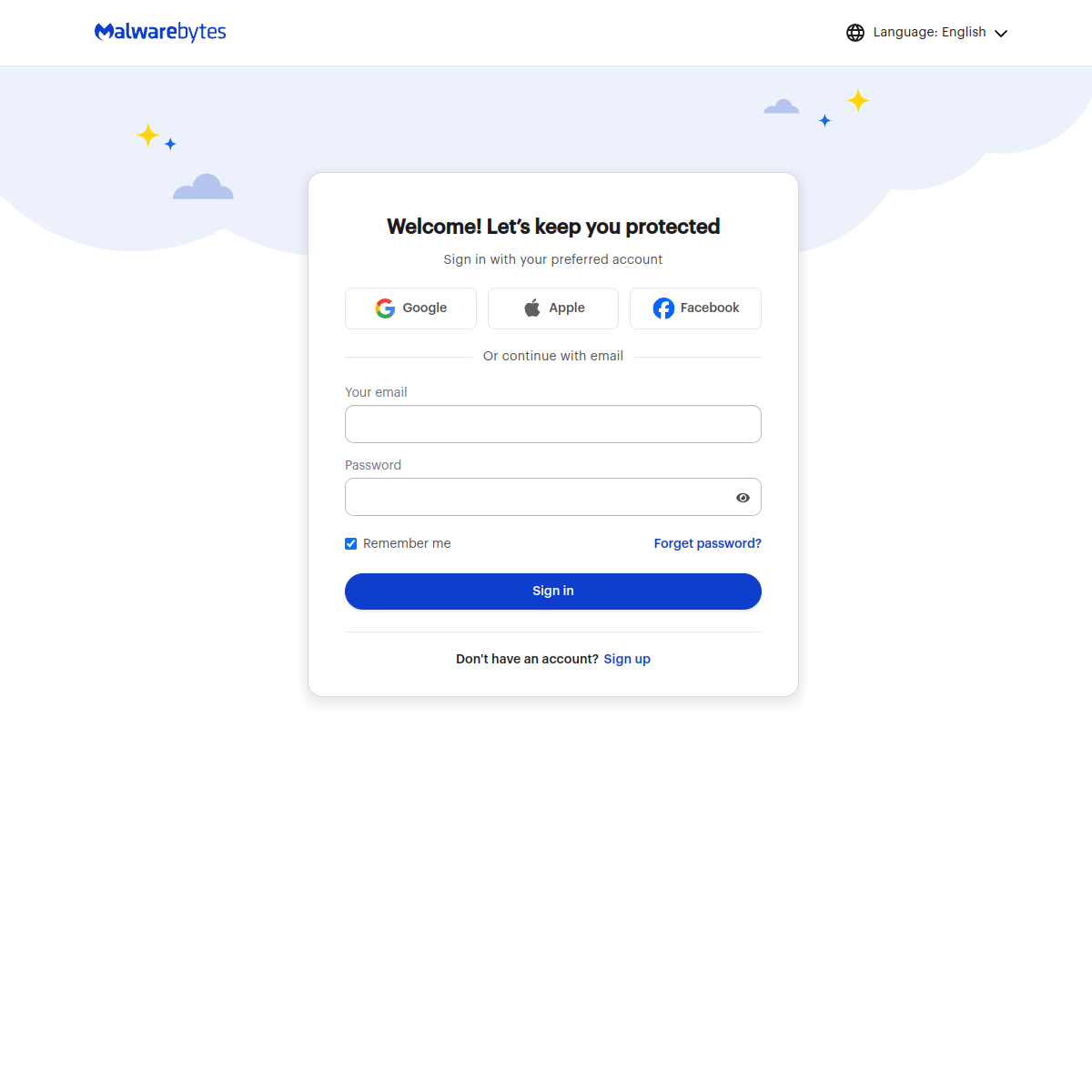
Automated page render — captured in a safe sandbox. What an ordinary visitor would see when loading the site.
Visual Screenshot Analysis
We capture a fresh screenshot of the live page and ask a vision model to look for scam visual patterns — fake trust badges, countdown timers, overlay pop-ups, and visual clones of legitimate brands.
No scam visual patterns detected
Clean, fully rendered professional login page for the legitimate Malwarebytes brand with no scam patterns visible.
Web Research Findings
Our live research agent queries scam-report databases, consumer-review sites, news coverage, and general web search for my.malwarebytes.com, then cross-checks business-registration records and look-alike domain patterns. Everything below is pulled from what it actually found.
- my.malwarebytes.com is the official Malwarebytes My Account login and subscription management portal, explicitly linked from help.malwarebytes.com articles on managing subscriptions, adding licenses, and 2FA login
- Malwarebytes official website (malwarebytes.com) directs users to log into MyAccount at my.malwarebytes.com for personalized deals and account access
- Universities including Columbia University and NYU reference https://my.malwarebytes.com for claiming/activating student/employee Malwarebytes licenses
- Reddit users in r/Malwarebytes discuss using my.malwarebytes.com to register lifetime keys, manage devices, reset passwords, and handle subscriptions
- No search results indicate my.malwarebytes.com is a scam, phishing site, or clone; all references treat it as the legitimate account site
- Malwarebytes Inc. is a real company founded 2008, based in Santa Clara, CA, with Wikipedia and BBB profiles confirming legitimacy
Malwarebytes Inc. incorporated 1/21/2008 in California; BBB profile active with business licenses noted
Our research found no scam reports or complaints for my.malwarebytes.com. Business registration confirms Malwarebytes Inc. as an active US company since 2008. Multiple references across official help documentation, university license pages, and user discussions treat the subdomain as the legitimate account portal with no conflicting scam indicators.
Security Scans
Checked against the major public blocklists used by browsers and security tools — no hits.
Contact Verification
We fetched the page and looked for real-world contact details. Legitimate businesses almost always publish an email on their own domain, a phone number, and a postal address. Scam shops usually don't.
- No contact email found anywhere on the page.
- No phone number listed on the page.
- No postal address visible on the page.
Domain & Encryption
Redirect Chain
- 1301http://my.malwarebytes.com/
- 2200https://my.malwarebytes.com/
Server Reputation
Still, stay alert
No major threat indicators — but a clean scan does not guarantee every page is safe, and phishing emails routinely spoof real domains.
- Double-check the exact URL in your address bar
Confirm you are actually on my.malwarebytes.com and not a lookalike like m-y.malwarebytes.com.com or an IDN homoglyph.
- Use a password manager
Password managers only auto-fill on the exact domain they were saved for — they refuse to fill lookalike domains, which is the single best phishing defence.
- OpenDiscuss this site on the forum
If you have first-hand experience with this site — good or bad — share it with the MalwareTips community.
Reputation Sources
How this domain rates across independent threat-intelligence and blocklist providers.
Safety FAQ
Common questions about this site, answered from the scan data on this page. These are auto-generated — not hand-written — so they always match the underlying report.
- Our automated security review found no threat indicators on my.malwarebytes.com. The site appears legitimate based on the signals we checked, but always stay alert for phishing emails that spoof real domains.
- my.malwarebytes.com passed our automated security checks with a trust score of 93/100. No antivirus engines or major blacklists flagged the site at the time of the last scan.
- Yes. my.malwarebytes.com presents a valid TLSv1.3 certificate issued by Amazon · Amazon RSA 2048 M04, expiring in 173 days. Note that SSL only encrypts the connection — it does not guarantee that the site itself is trustworthy.
- my.malwarebytes.com is 21.9 years old, registered on 7/2/2004 through GoDaddy.com, LLC. Scam domains are often freshly registered — a site under 6 months old warrants extra caution.
- No. my.malwarebytes.com is not currently listed on the major browser blocklist feeds that modern browsers use.
- my.malwarebytes.com resolves to an IP operated by Amazon.com, Inc. in US (usage type: Content Delivery Network). Hosting location alone doesn't make a site good or bad, but unusual geography for a brand's claimed country is one of many signals we weigh.
- We cache results for 24 hours. Signed-in MalwareTips members can trigger a manual rescan at any time using the "Rescan" button on the report page, which re-runs every check from scratch and refreshes this page.
User reviews & comments(0)
Share your experience — "Lost $200 on a fake checkout" is more useful than "Scam". Your review helps others avoid traps.